How to Host and Play a Jeopardy Game
Build your board, move it into the full Buzzinga app, invite players, and run the game using the host controls.
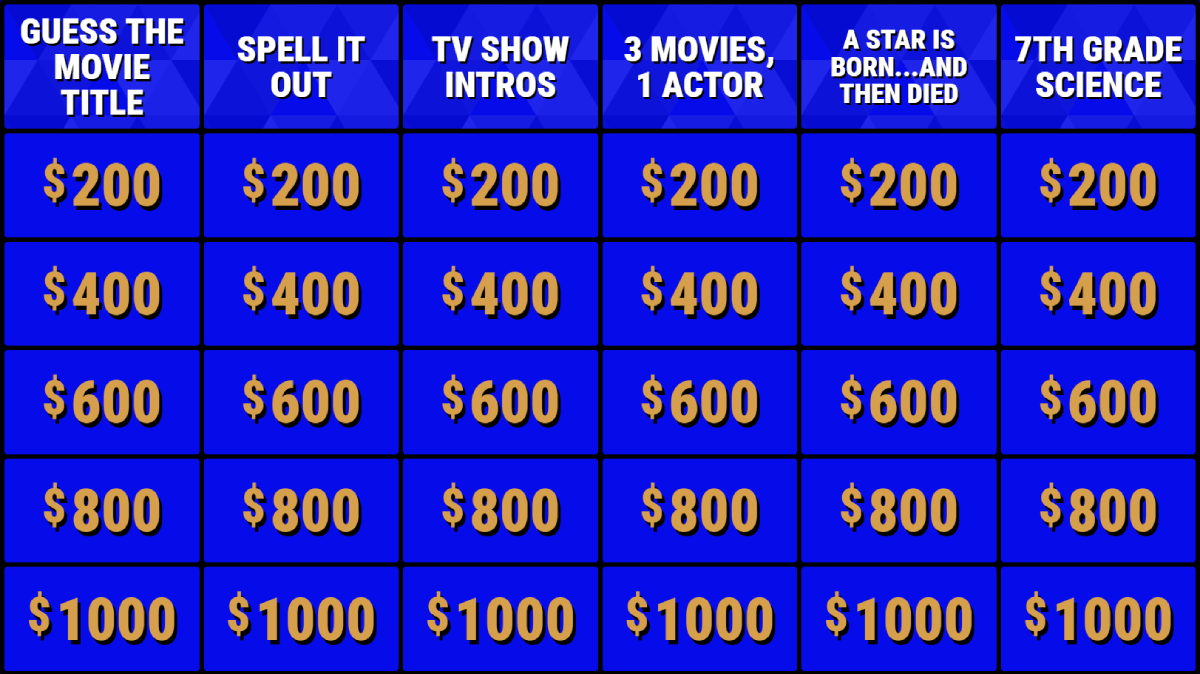
Build your board in the free editor
Open the Buzzinga game editor and add your board title, categories, text clues, correct responses, and Final Wager round. No account is required, and your draft is saved in this browser as you work.
Move it to the full Buzzinga editor
When your board is ready, choose Play. Create a free account or log in, and Buzzinga will add the board to your account on play.buzzinga.io, where you can use the advanced editor and launch the game.
Add advanced features
Fine-tune your board in the full editor with advanced board settings and customization. With Buzzinga Pro, you can also add images, audio, or YouTube videos to make the game more engaging.
Invite players with a QR code
Each game has a unique room link and QR code. Share it with players so they can join instantly from any phone or device, no account needed.
Host your live Jeopardy game
Once everyone has joined, select Play for your board. Buzzinga automatically handles scoring and buzzing while you control the board like a real game show.
End with a Final Wager
For the best experience, finish your game with a dramatic Final Wager round. Players can choose how many points to wager on the last clue.
Ready to host and play?
Create your first Buzzinga game board and start hosting today.